


Android Studio
Android Studio is the official IDE for Android development, offering AI-powered coding, intelligent editing, emulator testing, and flexible build systems. Download free for Windows, macOS, Linux, ChromeOS.
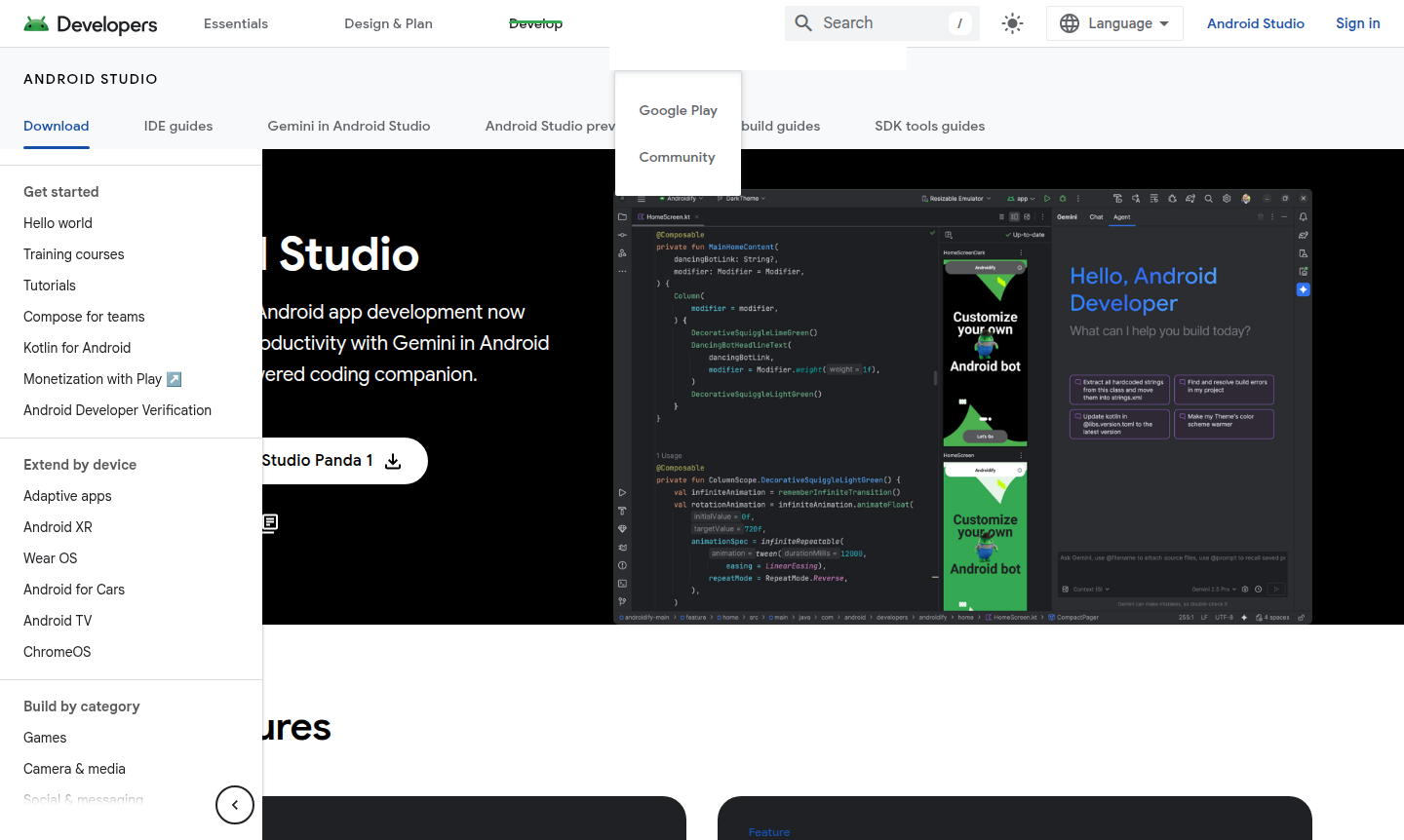
Overview of Android Studio
Android Studio is the official integrated development environment (IDE) for Android app development, created by Google. This powerful tool accelerates productivity with AI-powered assistance through Gemini, your coding companion that helps generate code, fix issues, and answer development questions. Designed specifically for building applications across the Android ecosystem, it supports phones, tablets, foldables, Wear OS, TV, and ChromeOS devices.
The platform offers a comprehensive suite for developers working with Kotlin, Java, and C/C++ programming languages. With features like Jetpack Compose design tools, intelligent code editing, and flexible build systems powered by Gradle, Android Studio streamlines the entire development workflow from initial concept to final publication. It's particularly valuable for developers creating responsive layouts that adapt to various screen sizes and device types. Explore related tools in IDE, Build Tool, and Debugger categories.
How to Use Android Studio
Getting started with Android Studio involves downloading the free software for your operating system (Windows, macOS, Linux, or ChromeOS), then creating your first project. Beginners can follow the built-in tutorials to build a simple "Hello, World!" app, while experienced developers can immediately dive into configuring their preferred settings, customizing virtual machine options, and setting up their development environment. The workflow typically involves writing code with intelligent assistance, previewing layouts across different screen sizes, testing applications using the Android Emulator, and analyzing build performance before publishing optimized Android App Bundles.
Core Features of Android Studio
- Gemini AI Assistant – AI-powered coding companion for generating code and resolving issues.
- Intelligent Code Editor – Provides code completion for Kotlin, Java, and C/C++ with immediate feedback.
- Android Emulator – Test applications on various Android devices virtually.
- Flexible Build System – Powered by Gradle to generate multiple build variants from one project.
- Jetpack Compose Tools – Create and preview dynamic layouts on any screen size.
Use Cases for Android Studio
- Developing native Android applications for mobile devices
- Creating responsive layouts for tablets and foldable screens
- Building applications for Wear OS smartwatches
- Developing TV applications for Android TV platforms
- Creating educational apps with interactive components
- Building productivity tools for business users
- Developing gaming applications with optimized performance
Support and Contact
For support and inquiries, visit the official Android Studio website at Official Support or email contact@developer.android.com. The platform offers extensive documentation, training courses, and community resources.
Company Info
Android Studio is developed by Google, a multinational technology company based in the United States.
Login and Signup
Android Studio is available as a free download without requiring account creation for basic use. Access the software directly from Download Android Studio. For cloud-based development, sign in through Firebase Studio.
Android Studio Frequently Asked Questions
Android Studio Pricing
Current prices may vary due to updates
Free
Android Studio is available as a free download for all supported platforms (Windows, Mac, Linux, ChromeOS) with no subscription fees. Includes all cor
Android Studio Reviews0 review
Would you recommend Android Studio? Leave a comment