


Linear
Linear is a product development tool for modern teams with AI integration, real-time sync, and efficient project management. Used by over 20,000 teams.
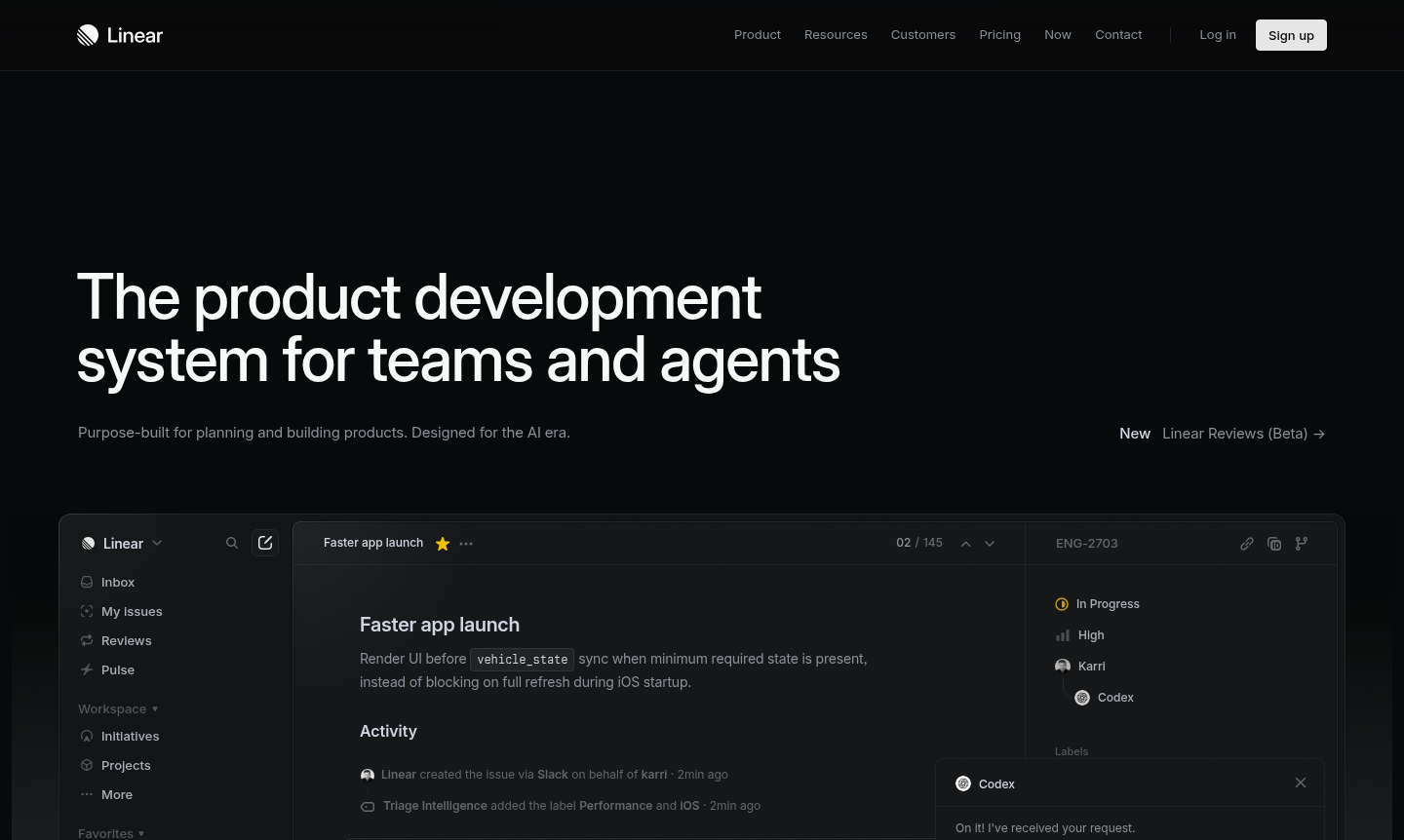
Overview of Linear
Linear is a purpose-built product development system designed specifically for modern software teams and AI workflows. As a new species of product tool, it sets a standard for planning and building products with AI agents at its core, enabling teams to move from drafting PRDs to pushing PRs seamlessly. Shaped by the practices of world-class product teams, Linear reduces noise and restores momentum to help organizations ship with high velocity and focus.
This platform powers over 20,000 product teams – from ambitious startups to major enterprises – by making product operations self-driving. It turns conversations and customer feedback into actionable issues that are automatically routed, labeled, and prioritized for the right team. Linear helps define product direction through strategic roadmaps and clear PRDs while providing analytics and dashboards that surface what needs attention at scale. Explore related tools in Project Management, AI Agents & Assistants, and Collaboration Tool categories.
How to Use Linear
Teams begin by creating a shared workspace where they can organize projects, sprints, and tasks. The platform's real-time synchronization ensures all users see updates instantly without spinners or waiting. With extensive keyboard shortcuts and a keyboard-first design, users can navigate efficiently while working offline when needed. Teams build and deploy AI agents that work alongside human members, allowing them to work on complex tasks together or delegate entire issues end-to-end, from issue tracking to code review.
Core Features of Linear
- AI-Powered Workflows – Designed for workflows shared by humans and AI agents to automate product development tasks.
- Real-Time Synchronization – All changes sync instantly across all users without delays or loading spinners.
- Keyboard-First Efficiency – Optimized with extensive shortcuts for rapid navigation and task management.
- Structural Code Diffs – Review human and agent output with clear visual diffs for code changes.
- Multi-Team Workspaces – Manage all teams in one shared environment with light and dark UI themes.
Use Cases for Linear
- Software project management for high-performance development teams
- AI agent deployment alongside human team members for complex tasks
- Bug tracking and issue management with automated routing
- Product roadmap planning and strategic initiative alignment
- Sprint planning and cycle management for agile teams
- Code review and PR management within the same platform
- Startup product development with limited resources
Support and Contact
For support inquiries, visit the Linear website or email contact@linear.app. The platform offers comprehensive documentation and resources for users.
Company Info
Linear is developed by Linear, a company based in the United States. The platform follows proprietary licensing and is available through subscription pricing.
Login and Signup
Access your Linear account or create a new one at the Linear website. Mobile apps are also available for Android and iOS devices through their respective app stores.
Linear Frequently Asked Questions
Linear Reviews0 review
Would you recommend Linear? Leave a comment