


Arduino
Arduino is a leading open-source hardware and software platform for DIY electronics, IoT, robotics, and education projects. Ideal for beginners and experts.
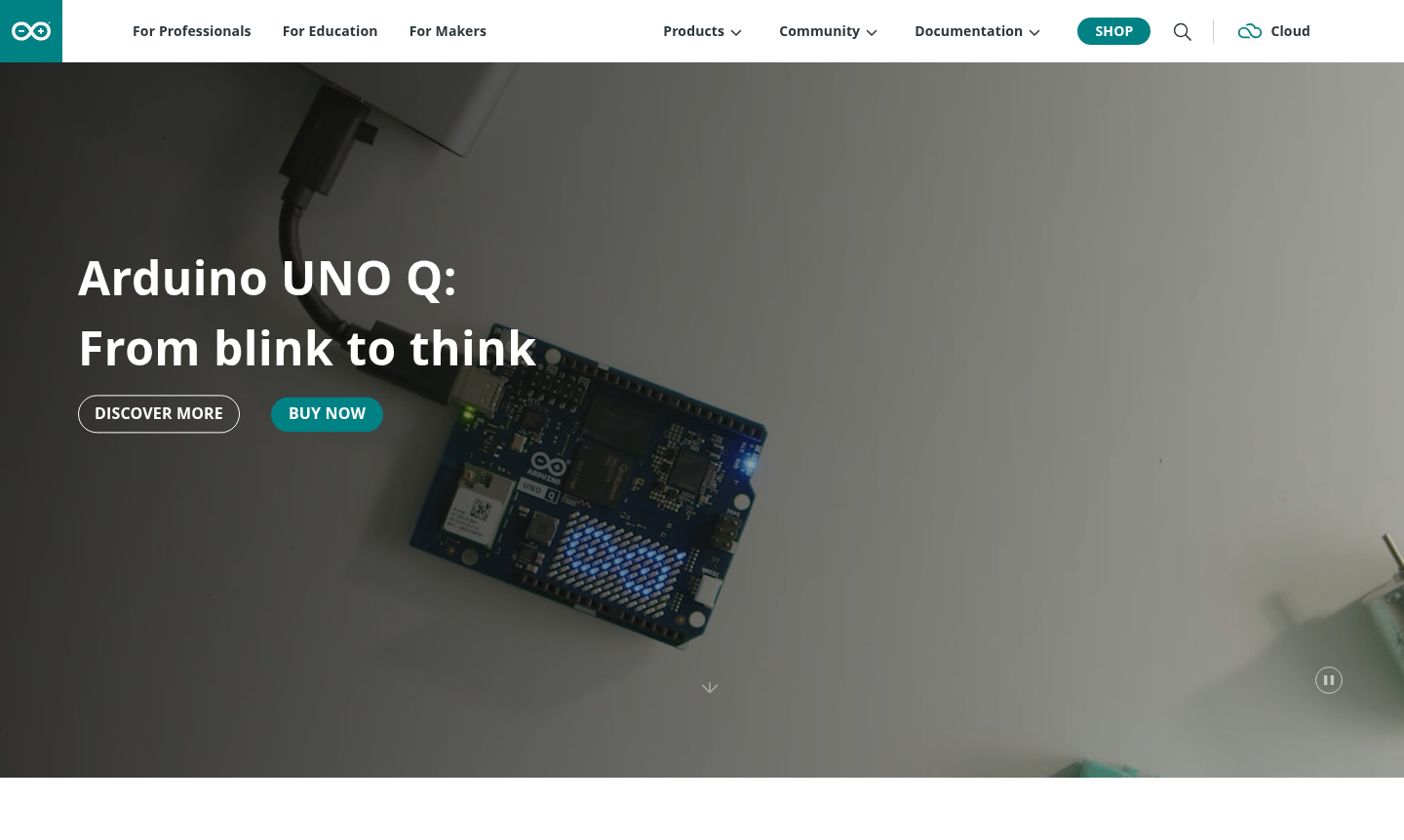
Overview of Arduino
Arduino is an open-source hardware and software platform designed to make electronics and programming accessible to everyone. It provides easy-to-use microcontroller boards like the Arduino UNO Q and R4 Starter Kit, development software, and a supportive community that empowers users to create interactive projects – from simple blinking LEDs to complex IoT systems. The platform's mission is to eliminate barriers to technology and innovation, making it ideal for makers, educators, students, and professionals who want to bring their ideas to life without deep technical expertise.
Arduino serves multiple audiences through specialized solutions: IDE offerings deliver cutting-edge tools for industrial applications, while the Education platform helps teachers inspire future innovators. The massive maker community fosters collaboration and creativity, supported by comprehensive documentation and learning resources. Whether you're building home automation systems, robotics projects, or IoT devices, Arduino provides the foundation for turning concepts into reality.
How to Use Arduino
Getting started with Arduino involves a straightforward workflow: First, download the free Arduino IDE software for your operating system. Connect your Arduino board to your computer via USB. Write your code in the IDE using the simplified C++ based language, then upload it to the board with a single click. The platform includes extensive libraries and examples for common tasks like reading sensors, controlling motors, or connecting to the internet via Arduino Cloud for IoT projects.
Core Features of Arduino
- Open-Source Hardware – Affordable, customizable boards with standard pin layouts for easy prototyping.
- Cross-Platform IDE – Free development software for Windows, macOS, and Linux with simplified syntax.
- Arduino Cloud – Web-based platform for managing IoT projects and remote device control.
- Comprehensive Documentation – Extensive tutorials and guides for all skill levels.
- Community Ecosystem – Millions of users sharing projects and support through forums.
Use Cases for Arduino
- Home automation systems for lighting, climate control, and security
- Educational robotics kits and STEM learning projects
- IoT sensor networks for environmental monitoring
- Prototyping electronic products and proof-of-concept devices
- Interactive art installations and creative technology projects
- Industrial automation and process control systems
- DIY electronics projects for hobbyists and makers
Support and Contact
For technical support and community assistance, visit the Arduino forums and documentation at Arduino Documentation. Professional users can contact sales through Professional Solutions Contact. General inquiries can be directed to contact@arduino.cc or the main website at Arduino Homepage.
Company Info
Arduino is developed by Arduino AG, supporting a global community. Learn more at About Arduino.
Login and Signup
Access Arduino Cloud and community features at Arduino Cloud Login. For new users, registration is available on the same platform.
Arduino Frequently Asked Questions
Arduino Reviews0 review
Would you recommend Arduino? Leave a comment