


Copilot
Explore Microsoft Copilot, an AI assistant for productivity with conversational interface, content generation, image creation, and integration. Compare free vs Pro plans and alternatives for 2024.
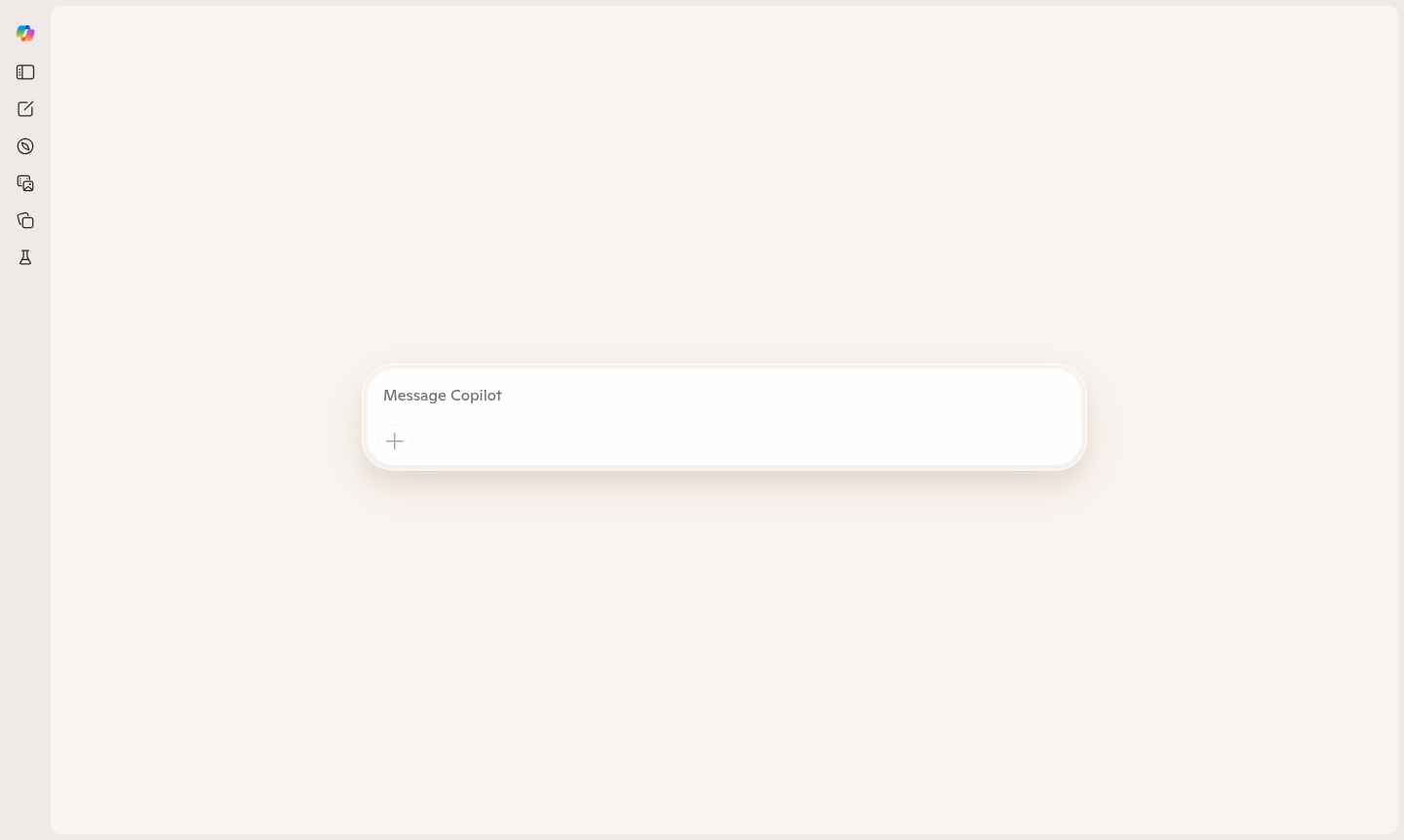
Overview of Copilot
Copilot is Microsoft's intelligent AI assistant designed to enhance productivity across various tasks through natural language conversations. Built on advanced language models, this tool serves as a versatile digital companion for writing, research, coding, creative projects, and everyday problem-solving. It integrates seamlessly with Microsoft's ecosystem and offers web-based accessibility, making it a powerful AI assistant for professionals, students, developers, and creatives. As part of the AI Agents & Assistants and Conversational AI Tools categories, Copilot provides enterprise-grade reliability and integration, competing with alternatives like ChatGPT.
This AI-powered tool supports multiple use cases including document drafting, code generation, image creation, and business workflows. With features like Copilot for business and various pricing plans from free to Pro tiers, it caters to diverse needs. The Copilot AI assistant leverages models for content generation and automation, enhancing productivity in 2024 and beyond.
How to Use Copilot
Using Copilot is straightforward: visit the web interface at copilot.microsoft.com and start typing questions or requests in natural language. The assistant processes input to generate relevant responses, suggestions, or content, allowing for refined queries and extended conversations. For best results, provide clear prompts and use different modes for creative, balanced, or precise responses.
Core Features of Copilot
- Smart Conversational Interface – Engage in natural dialogue with context-aware responses for seamless interaction.
- Multi-format Content Generation – Create text, code snippets, emails, and creative writing with proper formatting.
- Research and Information Synthesis – Gather and summarize information from sources with attribution and integration.
- Creative Assistance Tools – Generate ideas, brainstorm solutions, and develop concepts for writing and design.
- Integration Capabilities – Connect with Microsoft ecosystem tools for workflow automation and productivity.
Use Cases for Copilot
- Professional document drafting and business communication
- Academic research assistance and paper writing support
- Software development with code generation and debugging
- Creative writing projects including stories and marketing content
- Learning and educational support through conversations
- Project planning and organizational task management
- Quick information lookup and complex question answering
Support and Contact
For support, visit official Microsoft channels or the Copilot homepage. Contact via email at contact@microsoft.com for general inquiries, with extensive documentation and forums available for assistance.
Company Info
Copilot is developed by Microsoft Corporation, based in Redmond, Washington, USA. It represents Microsoft's commitment to integrating AI into productivity tools, with more details in corporate communications.
Login and Signup
Access Copilot through the main website. It uses Microsoft account authentication for seamless login, requiring no separate signup beyond standard verification.
Copilot Frequently Asked Questions
Copilot Reviews0 review
Would you recommend Copilot? Leave a comment