


Kapwing
Create professional videos with Kapwing's online AI video editor and generator. Perfect for marketers, educators, and teams needing collaborative tools. Free trial available.
Overview of Kapwing
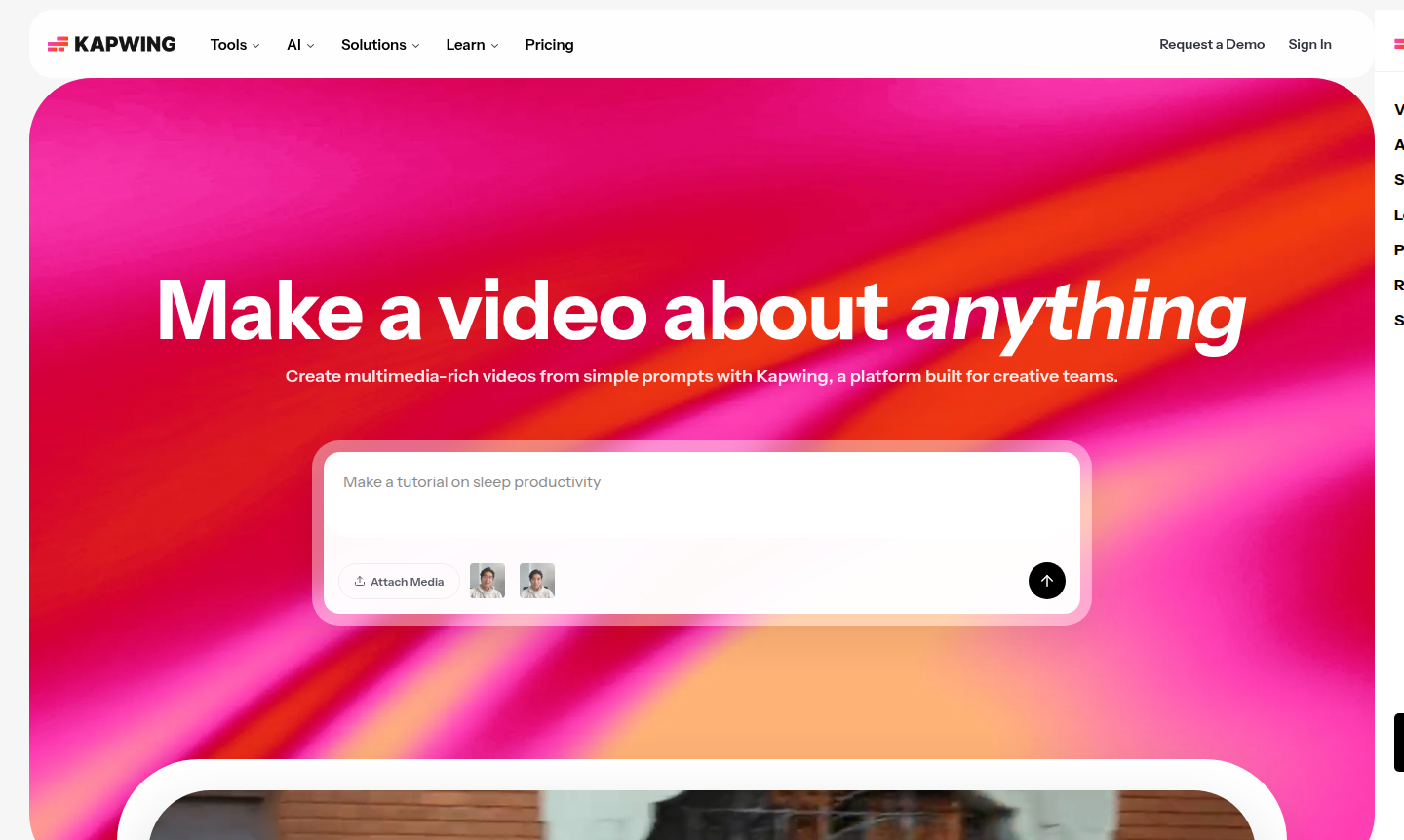
Kapwing is a comprehensive online video creation and editing platform designed for creative teams and individual creators. It transforms simple text prompts into professional-quality videos complete with voiceovers, visuals, subtitles, music, and animated characters. Built specifically for collaborative workflows, Kapwing enables marketers, educators, content creators, and internal communications teams to produce multimedia content efficiently without requiring extensive technical skills or software downloads.
The platform serves over 30 million creators worldwide and powers video content pipelines for leading organizations across various industries. With its intuitive drag-and-drop interface and AI-powered tools, Kapwing makes professional video editing accessible to everyone from beginners to enterprise teams. The platform is particularly valuable for video editing, AI video generation, and collaborative content creation workflows.
How to Use Kapwing
Getting started with Kapwing is straightforward: simply visit the platform online with any web browser – no downloads or installations required. Begin by entering a text prompt describing your video concept, and Kapwing's AI will generate a complete video draft with multiple layers, timing, sound, and visual elements. From there, use the intuitive timeline editor to trim clips, add overlays, incorporate subtitles, and collaborate with team members in real-time. Export your finished video directly to social media platforms or download it for use in presentations, training materials, or marketing campaigns.
Core Features of Kapwing
- AI Video Generator – Transform text prompts into complete videos with voiceovers, visuals, and music in minutes
- Collaborative Video Editor – Drag-and-drop timeline with real-time team editing and feedback capabilities
- Auto Subtitle Generator – Automatically create and sync subtitles for improved accessibility and engagement
- Translation and Dubbing Tools – Localize content for global audiences with text-to-speech and dubbing features
- Template Library – Access pre-designed templates for social media, education, marketing, and internal communications
Use Cases for Kapwing
- Marketing teams creating social media video campaigns and brand content
- Educators developing engaging instructional videos and classroom materials
- Content creators producing YouTube videos, tutorials, and online courses
- Internal communications teams sharing company updates and training videos
- Small businesses creating professional video content without hiring specialists
- Non-profits and organizations needing accessible video content with subtitles
- Remote teams collaborating on video projects across different locations
Support and Contact
For support inquiries, visit the Kapwing website for comprehensive resources and documentation. You can also contact via email at contact@kapwing.com.
Company Info
Kapwing is developed by a team of creators who understand video production challenges firsthand, running a YouTube channel with over 200,000 subscribers. The company focuses on making video creation collaborative, accessible, and intuitive for all users. Learn more about their story on the About Kapwing page.
Login and Signup
Access Kapwing by visiting the login page for existing users or the main website to start a free trial. The platform offers both free and paid plans to accommodate different user needs and team sizes.
Kapwing Frequently Asked Questions
Kapwing Reviews0 review
Would you recommend Kapwing? Leave a comment