


Make
Make is a visual AI automation platform for no-code workflow building with AI agents. Connect 3,000+ apps to automate and scale business processes with real-time orchestration. Find features and reviews on ToolPicker.
Overview of Make
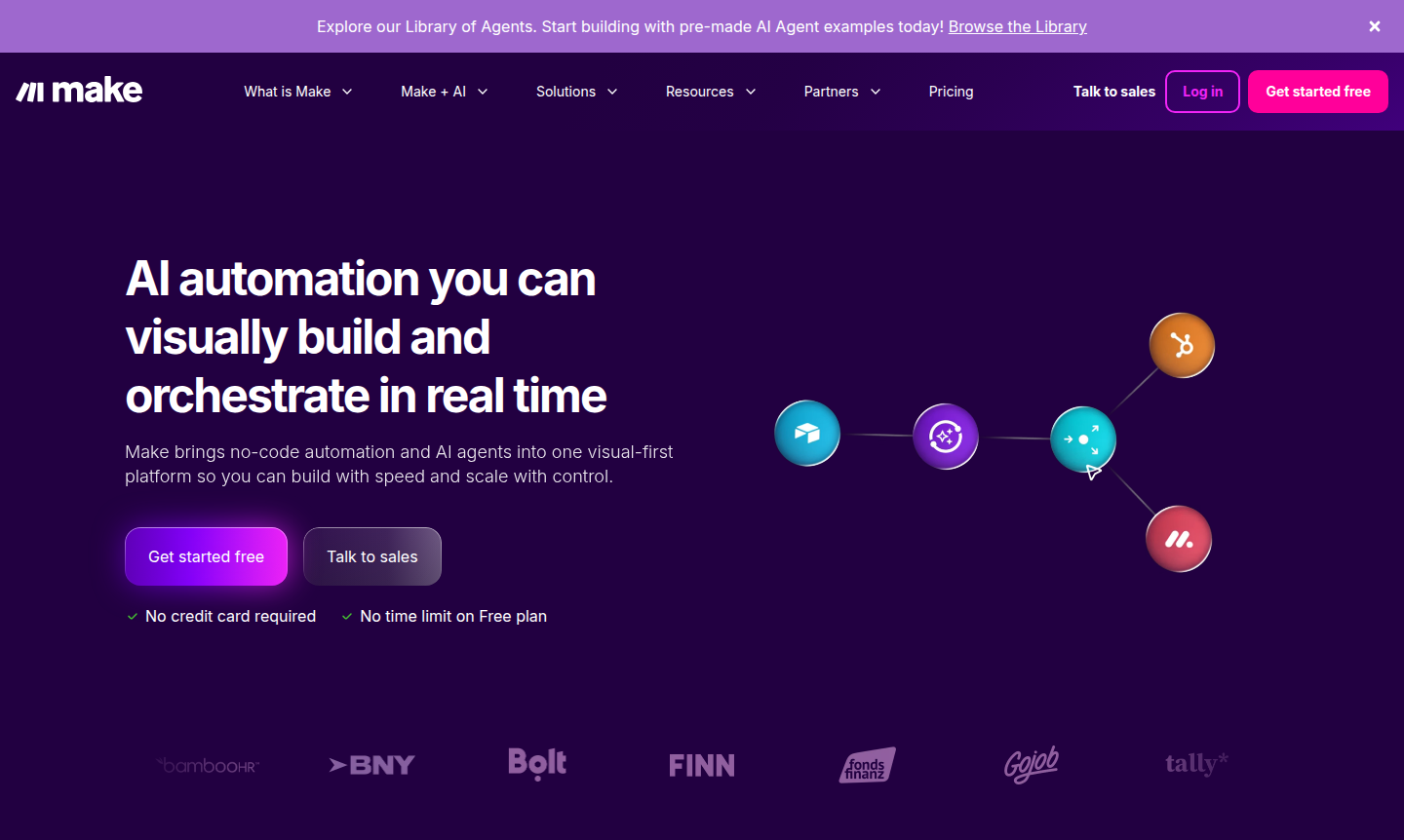
Make is a visual-first automation platform that combines no-code workflow building with AI agents to help businesses streamline operations and scale efficiently. Designed for teams of all sizes – from startups to enterprises – it enables users to create, orchestrate, and manage complex automations without writing a single line of code. By integrating over 3,000 pre-built apps and offering extensive AI capabilities, Make breaks down silos across departments, driving innovation and reducing manual workloads. It's particularly valuable for IT automation, marketing workflows, and cross-functional business processes where speed and adaptability are critical.
The platform serves a broad audience including business analysts, operations teams, IT professionals, and digital agencies looking to automate repetitive tasks and enhance productivity. With its visual interface, users can design solutions in real time, customize automations as needs evolve, and maintain full control through a comprehensive dashboard. Make's strong security foundations – including GDPR, SOC 2 Type II, and SOC 3 compliance – make it suitable for handling sensitive data, while its enterprise-grade features support large-scale deployments. Explore related tools in AI Automation Platforms and AI Agents & Assistants.
How to Use Make
Getting started with Make involves a straightforward visual workflow design process. First, users select from thousands of pre-built app integrations or connect custom systems via API. Next, they drag and drop modules onto a canvas to create automation scenarios – such as triggering actions when specific events occur in connected apps. The platform allows real-time testing and iteration, so workflows can be refined before deployment. Once live, users monitor performance through visual maps, adjust parameters as needed, and scale operations by adding AI agents or expanding automation chains across their entire tech stack.
Core Features of Make
- Visual Workflow Builder – Design automations without coding using an intuitive drag-and-drop interface.
- AI Agent Integration – Incorporate AI models like ChatGPT, DALL-E, and Perplexity AI into workflows.
- Extensive App Library – Connect to 3,000+ tools including Salesforce, Slack, HubSpot, and Canva.
- Real-Time Orchestration – Monitor and manage all automations from a centralized visual dashboard.
- Enterprise Security – Benefit from GDPR compliance, SOC certifications, encryption, and SSO.
Use Cases for Make
- Automating IT incident response and system monitoring to reduce manual intervention.
- Streamlining lead nurturing by connecting CRM, email, and marketing automation tools.
- Orchestrating AI-powered customer support with chatbots and knowledge base integrations.
- Managing cross-departmental workflows between sales, finance, and operations teams.
- Creating automated content pipelines that generate, review, and publish social media posts.
- Building real-time data syncs between databases, spreadsheets, and business intelligence tools.
- Developing custom automation solutions for niche business processes without developer resources.
Support and Contact
For support, email contact@make.com or visit the help center for assistance with Make.
Company Info
Make is developed by Make.com, a company focused on democratizing automation through visual tools and AI integration. While specific country details aren't provided, the platform serves a global customer base with localized support and compliance standards.
Login and Signup
Access your account or create a new one via Make's homepage. The platform offers a free plan to get started, with no credit card required for initial exploration.
Make Frequently Asked Questions
Make Pricing
Current prices may vary due to updates
Free
No credit card required with no time limit, allowing users to get started with basic automation features and explore the platform's visual workflow bu
Make Reviews0 review
Would you recommend Make? Leave a comment