


Photopea
Photopea is a free online photo editor with full PSD support, RAW editing, AI tools, and vector graphics. No downloads required, works in any browser.
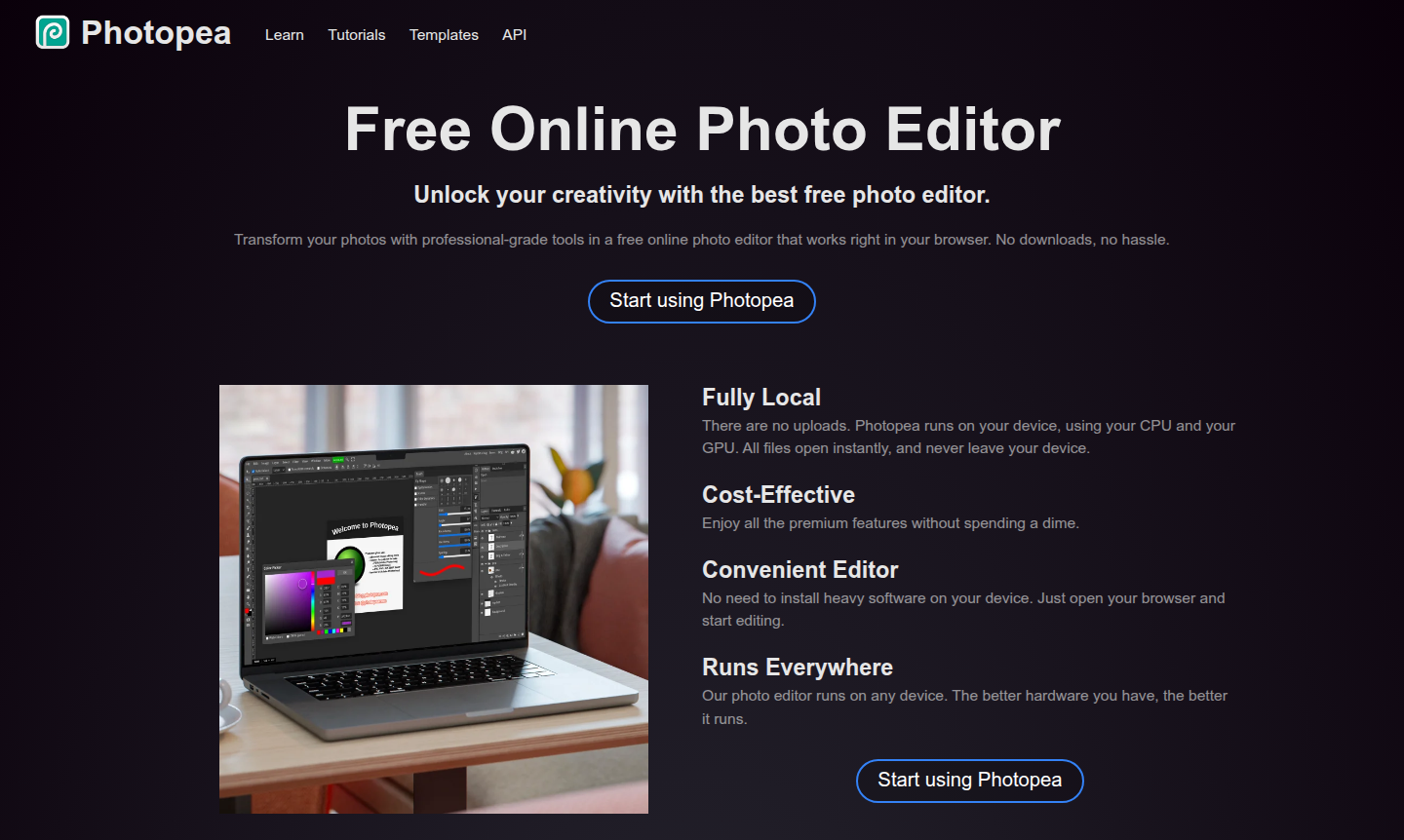
Overview of Photopea
Photopea is a powerful free online photo editor that brings professional-grade image editing capabilities directly to your web browser. As a comprehensive browser-based alternative to desktop software like Photoshop, it eliminates the need for downloads or installations while offering a full suite of editing tools. The platform operates entirely locally on your device, ensuring your files never leave your computer while providing instant access to advanced features including layer management, masking, and vector graphics editing.
Designed for creators across all skill levels, Photopea serves as a versatile solution for photo editing and vector graphics creation. Whether you're a social media enthusiast enhancing posts, a student creating educational visuals, or a professional designer working on client projects, this tool delivers professional results without subscription fees. Its broad format support makes it a true Swiss Army knife for graphic work, handling everything from common image files to professional PSD documents and RAW camera formats.
How to Use Photopea
Getting started with Photopea requires no complex setup – simply navigate to the website in any modern web browser and begin editing immediately. The interface will feel familiar to users of traditional photo editing software, with tools organized in intuitive panels and menus. You can open files directly from your device, work with layers and adjustments in real-time, and save your projects in multiple formats including PSD, PNG, JPG, and SVG. The platform automatically saves your work locally, and you can export finished projects with a single click when ready to share or publish.
Core Features of Photopea
- Complete PSD Support – Open and save Photoshop files with full layer, mask, and adjustment layer compatibility
- Advanced RAW Editing – Process camera RAW files with exposure, color balance, and contrast controls
- AI-Powered Tools – Remove backgrounds instantly or replace image elements through text descriptions
- Vector Graphics Creation – Design logos and illustrations with built-in vector editing capabilities
- Multi-Format Compatibility – Work with 50+ file types including PDF, SVG, AI, and Figma documents
Use Cases for Photopea
- Social media content creation and photo enhancement for platforms like Instagram and Facebook
- Educational projects and presentation visuals for students and teachers
- Small business marketing materials, product photos, and website graphics
- Professional graphic design work including logos, illustrations, and branding elements
- Photography editing and RAW file processing for hobbyists and professionals
- Web design mockups and user interface element creation
- Document preparation and image optimization for online publishing
Support and Contact
For assistance with Photopea, you can reach the support team via email at support@photopea.com. Additional resources and community discussions are available through the official Photopea website and social media channels.
Company Info
Photopea is developed and maintained by Photopea, an independent software development team focused on creating accessible graphic design tools. The company operates primarily through its web platform, serving a global user base with its innovative browser-based editing solution.
Login and Signup
Photopea requires no account creation or login process – simply visit photopea.com to start using the editor immediately. All features are available without registration, and your work is saved locally on your device for privacy and convenience.
Photopea Frequently Asked Questions
Photopea Pricing
Current prices may vary due to updates
Free
Access all premium features including full PSD support, RAW editing, AI tools, layers, masks, and vector graphics without any cost or downloads requir
Photopea Reviews0 review
Would you recommend Photopea? Leave a comment