


Pixlr
Pixlr is a free online photo editor with AI tools for editing, generating images, and creating designs. Perfect for beginners and professionals.
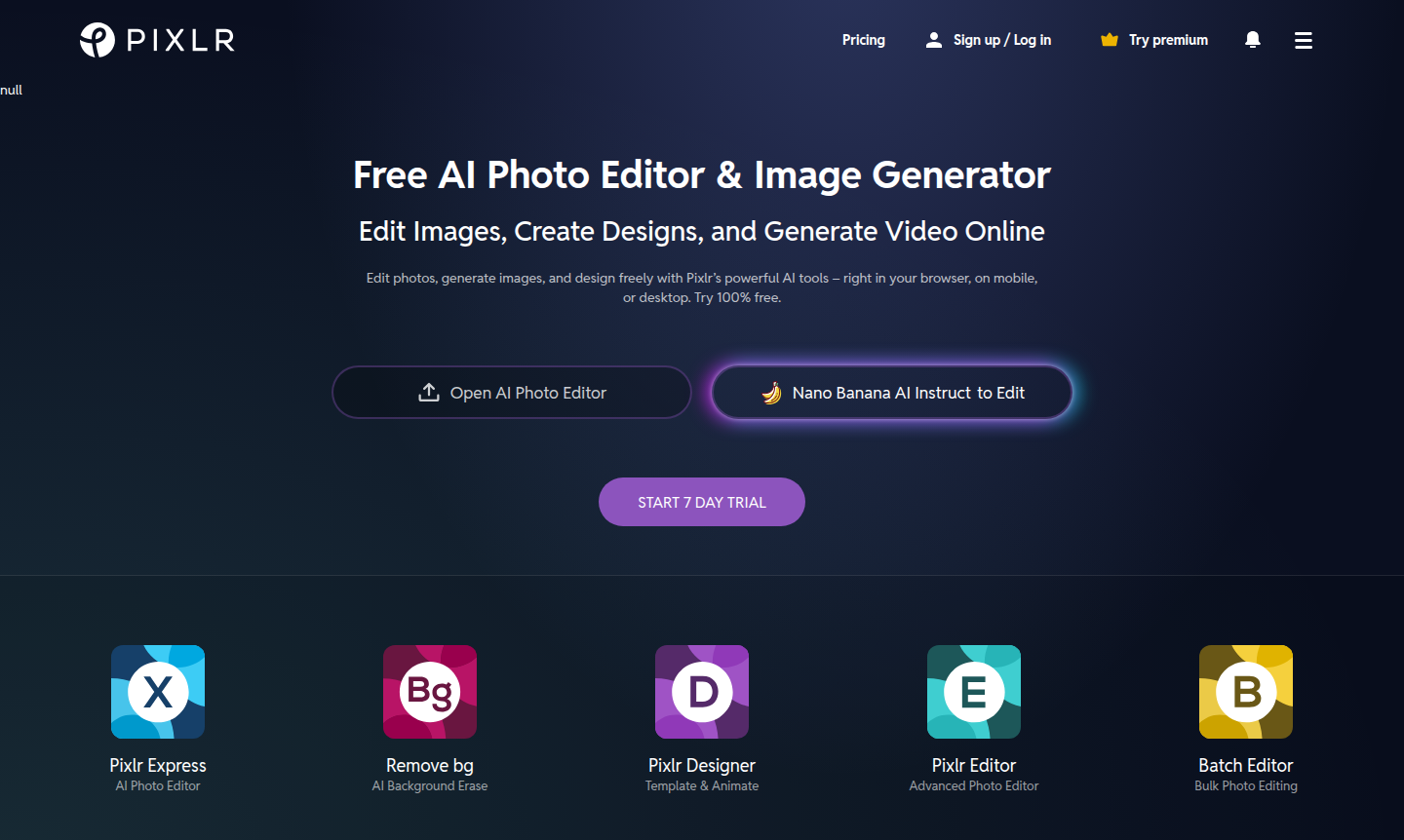
Overview of Pixlr
Pixlr is a comprehensive online photo editing and design suite that brings professional-grade creative tools directly to your browser, mobile device, or desktop. For over 15 years, it has served as a powerful, accessible alternative to traditional desktop software like Photoshop, offering a robust free version alongside premium plans.
As a versatile creative platform, Pixlr caters to multiple audiences including graphic designers, social media managers, small business owners, educators, and casual users. Its web-based nature ensures accessibility across devices, while AI technology streamlines complex editing tasks. Explore related tools in Photo Editor and AI Image Generators categories.
How to Use Pixlr
Getting started with Pixlr is straightforward: visit the website or download the app, choose between free or premium trial, upload an image, and use intuitive tools for editing and design. Export your creations in various formats with no account required for basic use.
Core Features of Pixlr
- AI Image Generator – Converts text to images using advanced AI technology.
- Generative Fill and Expand – Adds or extends image content intelligently.
- Background and Object Removal – Isolates subjects or erases elements with AI tools.
- Comprehensive Photo Editing – Offers retouching, color correction, filters, and layers.
- Design Templates and Collage Maker – Creates graphics using customizable templates.
Use Cases for Pixlr
- Social media managers creating visual content
- E-commerce businesses producing product shots
- Graphic designers needing quick edits
- Educators and students working on materials
- Marketing professionals designing graphics
- Photographers performing retouching
- Personal users enhancing photos and creating collages
Support and Contact
For assistance with Pixlr, email contact@pixlr.com or visit the official website for help resources and contact form.
Company Info
Pixlr is developed by a team with over 15 years of experience in online photo editing technology. For more information, visit the Pixlr website.
Login and Signup
Access your account or create a new one at the Pixlr website. Social login options and free features without account are available.
Pixlr Frequently Asked Questions
Pixlr Pricing
Current prices may vary due to updates
Free
Robust set of features without requiring an account, includes basic editing and some AI tools for photo editing and design.
Premium
All-access pass to Pixlr across all devices with a single subscription, includes 7-day free trial and cancel anytime.
Pixlr Reviews0 review
Would you recommend Pixlr? Leave a comment