


TurboScribe
TurboScribe offers unlimited AI transcription with 99.8% accuracy in 98+ languages. Convert audio and video to text instantly with speaker recognition and translation to 134+ languages.
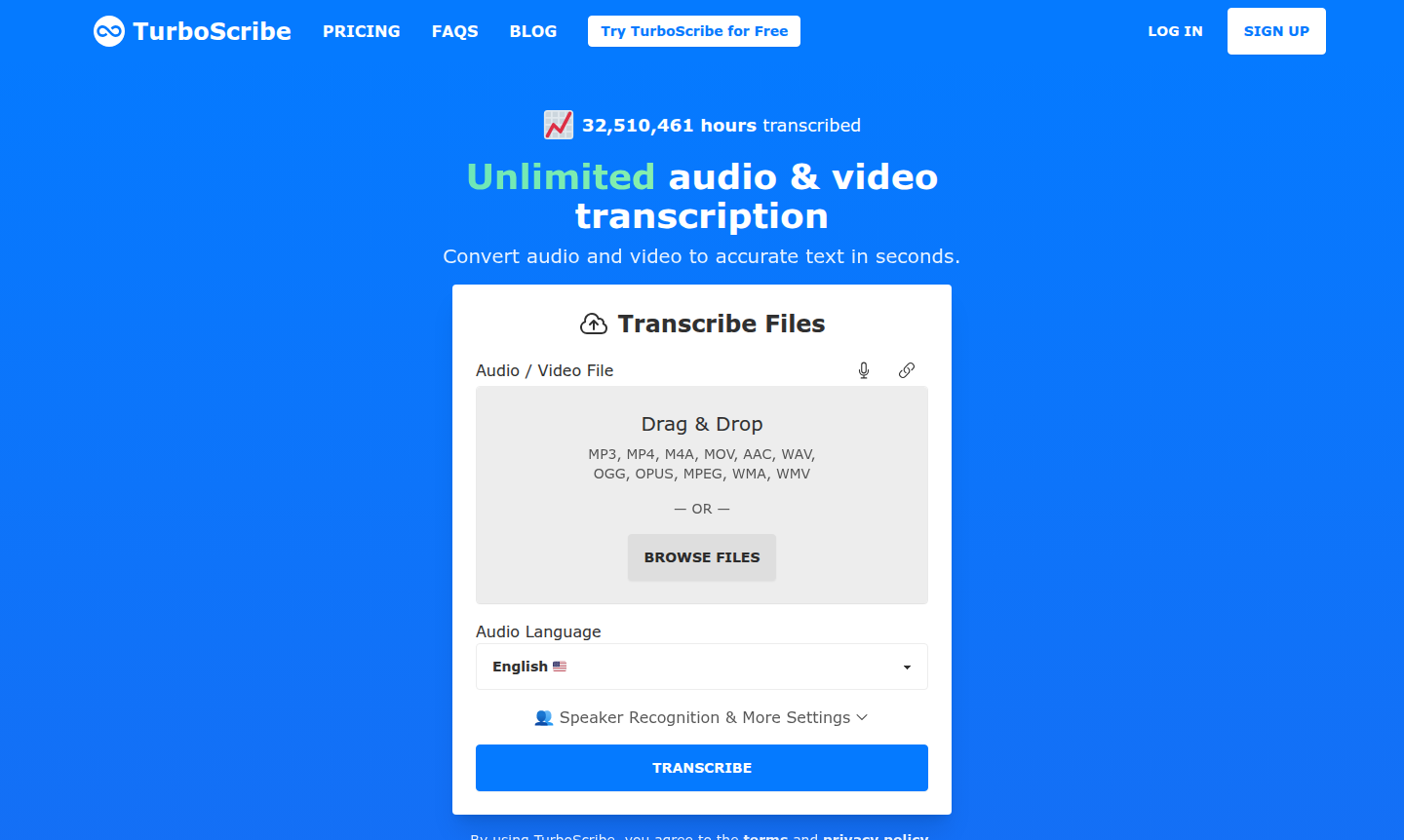
Overview of TurboScribe
TurboScribe is an AI-powered transcription service that converts audio and video files into accurate text within seconds. Powered by OpenAI's Whisper technology, it delivers 99.8% accuracy across 98+ languages, making it a top audio to text converter and video transcription service for professionals, content creators, and businesses. The platform handles unlimited transcriptions with 10-hour file uploads and supports formats like MP3, MP4, MOV, WAV, and YouTube videos.
This versatile speech to text software serves journalists, students, podcasters, and more with features like speaker recognition and built-in translation to 134+ languages. It integrates seamlessly via a web-based interface. Explore related tools in AI Writing Tools and Audio Converter categories for complementary AI transcription tool solutions.
How to Use TurboScribe
Using TurboScribe follows a simple three-step process: upload your audio or video file via drag-and-drop or browsing, configure settings like language and speaker recognition, and download the transcript in formats such as DOCX, PDF, TXT, or subtitle files (SRT/VTT). The process completes in seconds to minutes, with unlimited users getting priority processing.
Core Features of TurboScribe
- Unlimited Transcription – No caps on usage with 10-hour uploads and 50 files at once.
- Multi-language Support – Transcribes 98+ languages with 99.8% accuracy using Whisper AI.
- Speaker Recognition – Automatically labels up to 8 speakers in meetings and interviews.
- Built-in Translation – Translates transcripts to 134+ languages or transcribes directly to English.
- Bulk Export Options – Download as DOCX, PDF, TXT, SRT, VTT, CSV with batch processing.
Use Cases for TurboScribe
- Transcribing business meetings and conference calls for accurate records
- Converting podcast episodes into written content for show notes and blogs
- Creating subtitles and captions for YouTube videos and online courses
- Documenting academic lectures and research interviews for students
- Processing legal depositions and medical dictations with speaker identification
- Generating written transcripts from customer service calls for analysis
- Converting audio notes and voice memos into organized text documents
Support and Contact
For assistance, email leif@turboscribe.ai for direct support. Additional resources are available at the Help and Support Center.
Company Info
TurboScribe is developed by founder Leif, who previously built AI systems at companies like Meta. It operates as a web-based platform with strong privacy standards and secure payment processing via Stripe.
Login and Signup
New users can sign up for TurboScribe with email for free transcripts. Existing users can log in to their account to manage subscriptions and history.
TurboScribe Frequently Asked Questions
TurboScribe Pricing
Current prices may vary due to updates
TurboScribe Free
3 free transcripts daily with 30-minute file limits, lower priority processing, and basic features for occasional users testing the service. Perfect f
TurboScribe Unlimited
Unlimited transcriptions with 10-hour file uploads, 50 simultaneous files, all features including translation and speaker recognition, plus highest pr
TurboScribe Reviews0 review
Would you recommend TurboScribe? Leave a comment