


Visual Studio Code
Discover Visual Studio Code, the free, open-source code editor with AI features like GitHub Copilot. Supports multiple languages, extensions, and cross-platform development for web, desktop, and mobile.
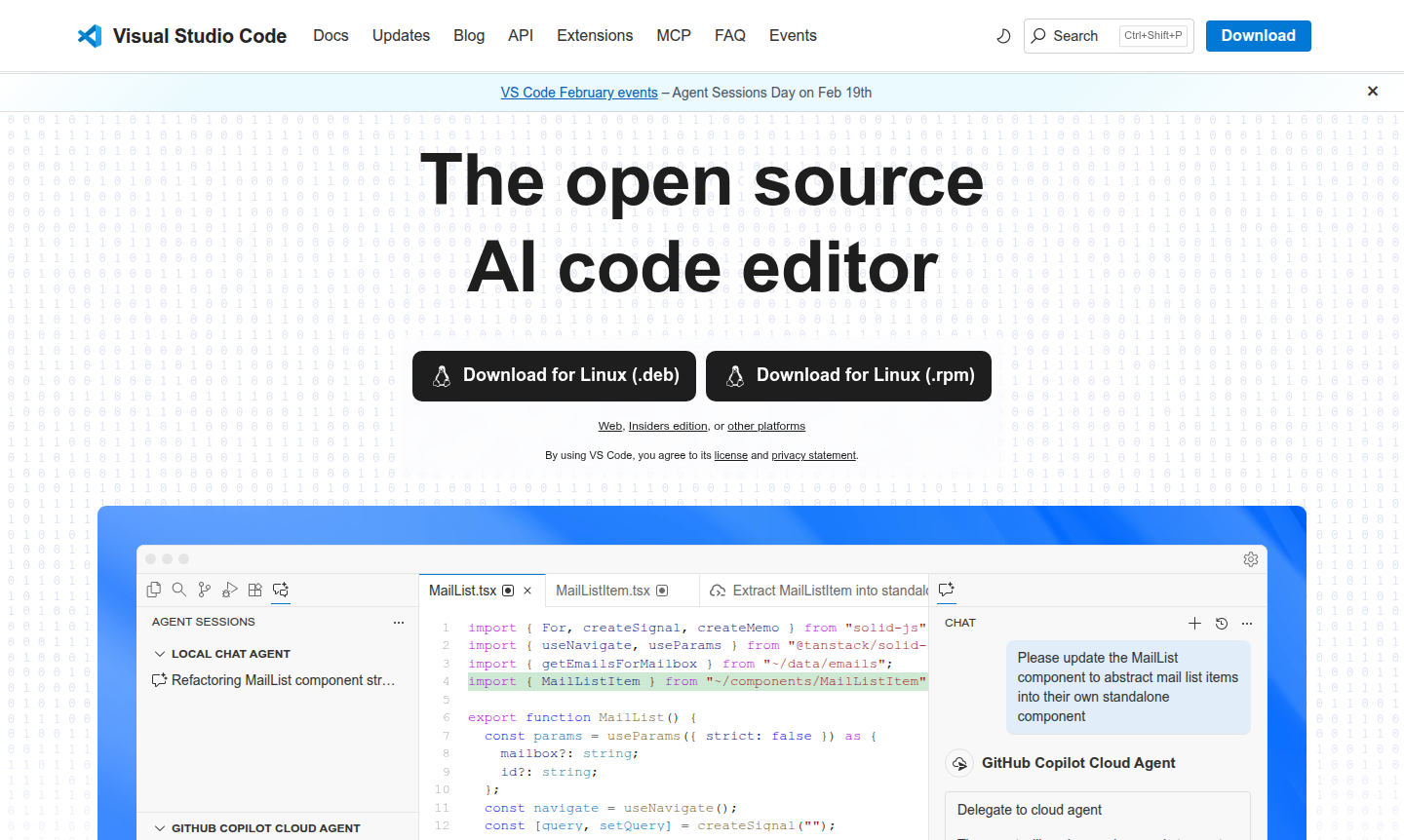
Overview of Visual Studio Code
Visual Studio Code (VS Code) is a free, open-source code editor developed by Microsoft. It supports multiple programming languages including JavaScript, TypeScript, Python, C++, and more, making it ideal for web, desktop, and mobile development. With over 30,000 extensions, VS Code offers extensive customization and AI-powered features like GitHub Copilot for intelligent coding assistance. Explore more tools in our IDE and Text Editor categories.
VS Code stands out with its AI capabilities, such as agent mode for complex tasks and next-edit suggestions. It allows coding locally, in the browser via vscode.dev, or in cloud environments like GitHub Codespaces. The Model Context Protocol (MCP) servers and extension marketplace enable deep customization for developers across platforms.
How to Use Visual Studio Code
To start using VS Code, download it from the official website for Windows, macOS, or Linux. After installation, open the editor to code in languages like JavaScript or install extensions for additional support. The interface includes a sidebar for files, integrated terminal, debugger, and source control panels. Customize with themes, sync settings, and browse the extension marketplace for specific needs.
Core Features of Visual Studio Code
- AI-Powered Coding Assistance – GitHub Copilot integration for smart code suggestions and completions.
- Multi-Language Support – Native JavaScript/TypeScript with extensions for Python, Java, C++, and more.
- Built-in Git Integration – Version control management with GitHub and Azure Repos support.
- Extensive Extension Marketplace – Over 30,000 extensions and themes for customization.
- Cross-Platform Development – Work locally, in browser, or cloud environments like GitHub Codespaces.
Use Cases for Visual Studio Code
- Web development with JavaScript, TypeScript, and modern frameworks
- Python programming and data science with Jupyter Notebooks
- C++ and C# development for desktop and game applications
- Java development with comprehensive language tools
- Full-stack development using integrated terminal and debugger
- Remote development with containers and cloud-based environments
- Team collaboration via built-in Git and shared settings
Support and Contact
For support, visit the official website at code.visualstudio.com or contact via email at contact@code.visualstudio.com. Documentation and community forums are available for assistance.
Company Info
Visual Studio Code is developed by Microsoft, a multinational technology company based in the United States, supporting open-source development tools.
Login and Signup
VS Code doesn't require login for basic use, but features like settings sync and GitHub Copilot may need a GitHub account. Access the web version at vscode.dev or download from code.visualstudio.com/Download.
Visual Studio Code Frequently Asked Questions
Visual Studio Code Reviews0 review
Would you recommend Visual Studio Code? Leave a comment